REVIEW · ULURU
Uluru Audio Tour App
Book on Viator →Operated by Uluru Audio Guide · Bookable on Viator
Red rock meets your phone’s GPS. This self-guided GPS-activated mobile ticket for Uluru-Kata Tjuta lets you explore on your own schedule, with 100+ facts and stories delivered as you reach the right spots. It’s built for the way you actually move through the park—by car, on foot, or even cycling—so you’re not stuck following a rigid group plan.
Two things I really like: the independence (you can stop when you want, not when someone else does) and the way the audio is designed to feel location-based rather than a random lecture. One fair consideration: it’s an app experience. If your phone battery is low or GPS triggers are a little off, you may miss a moment of narration, and if you need audio support for hearing accessibility, this may not be the best fit.
In This Review
- Key Highlights Worth Packing (For Your Phone)
- What This Uluru Audio Tour App Actually Gives You
- Price and Park Tickets: Where the Value Really Comes From
- Start With the Right Time Window in Uluru-Kata Tjuta
- How to Use the App While Driving, Walking, or Cycling
- Uluru + Kata Tjuta: What You’ll Learn Along the Routes
- A practical tip for getting the most from GPS storytelling
- Language Options: Making the Stories Click
- The Best Fit: Who Should Buy This Audio Guide
- My Booking Checklist Before You Head Out
- Should You Book the Uluru Audio Guide App?
- FAQ
- What’s included with the Uluru Audio Tour App?
- Do I need to buy the Uluru-Kata Tjuta National Park ticket separately?
- How does the audio tour work?
- What phone types can I use?
- When can I use it?
- Can I cancel and get a full refund?
Key Highlights Worth Packing (For Your Phone)
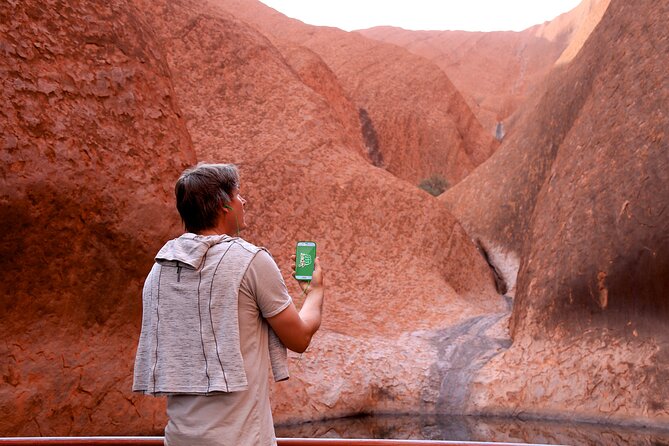
- GPS-activated commentary that aims to match what you’re looking at, while you drive, walk, or ride
- 100+ facts and stories to keep your stops from feeling like quick photo ops
- Works on iPhone and Android with a unique download code included with your purchase
- Covers Uluru and Kata Tjuta with guidance across roads and walks
- 7 language options, including support that can help non-English speakers stay comfortable
- A mobile ticket approach that fits self-drive and bike-hire days
What This Uluru Audio Tour App Actually Gives You
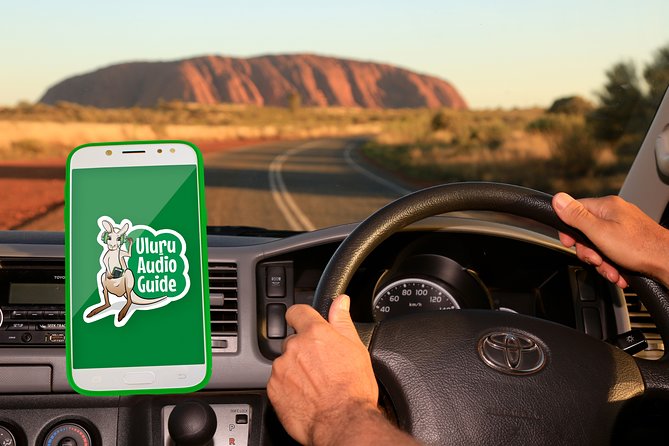
Think of this as a self-guided “have-a-guide-with-you” option, but without the group dynamic. Instead of booking a time slot with a live guide, you use an app with a unique download code to access the Uluru audio tour app, which pairs learning with motion.
The big feature is GPS-activated insights. As you move around Uluru-Kata Tjuta National Park, the app is designed to deliver audio when you’re in the right location. That matters here because the park is more about connecting meanings—cultural, historical, and geographical—than ticking off a checklist.
You can use it in multiple modes. The experience is made for when you’re:
- Driving between viewpoints and trailheads
- Walking within the park
- Cycling around areas where bike access makes sense
It’s available on both iPhone and Android devices. And the content isn’t short. The tour includes over 100 facts and stories, so it’s not just a handful of talking points for the first stop and then silence.
One more detail worth noting: it’s offered in 7 languages. If English isn’t your strongest language, this is one of those rare travel tech choices where you can still get the story without feeling left behind.
You can also read our reviews of more tours and experiences in Uluru.



Price and Park Tickets: Where the Value Really Comes From
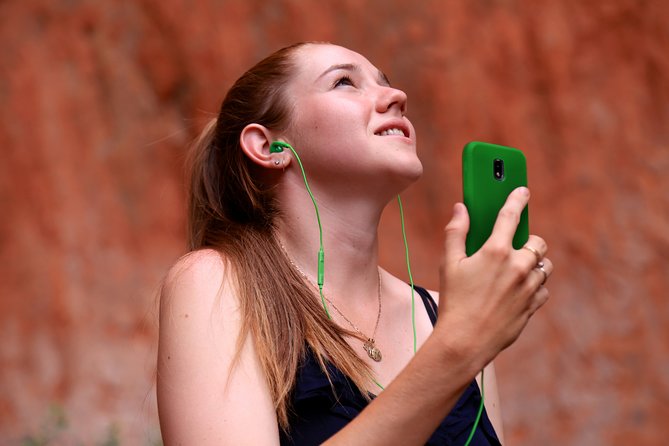
The app costs $14.34 per person. That’s the price of the audio guide experience itself. What it doesn’t include is park admission: a 3-day Uluru Kata Tjuta National Park ticket is A$38 per person.
At first glance, you might think the numbers don’t match a traditional “tour.” But here’s the value logic: you’re paying for interpretation. You’re paying for context while you explore the real attraction—the place itself.
This makes the app especially cost-effective if:
- You’re traveling on your own or with a small group and want flexibility
- You’re already planning a self-drive day, bike hire day, or hop-on-style planning
- You’d rather spend money on access and comfort, not on being shepherded through the park on someone else’s timetable
Also, because it’s self-guided, the “duration” range can flex (it’s listed as about 1 to 5 days). You’re not boxed into a single fixed route. You can repeat parts if you want to slow down, read the land again, or give the audio a second listen while the scenery sinks in.
The only time the math feels less great is when you’re likely to rush. If you’re the type who “walks through quickly and moves on,” the app can feel like wasted money. But if you like pauses—if you want the meaning behind what you’re seeing—this price structure tends to fit well.
Start With the Right Time Window in Uluru-Kata Tjuta
The activity is available Monday through Sunday, 5:00 AM to 8:00 PM. That’s a generous window, and it matters because Uluru is one of those places where timing can shape comfort.
You also get a practical meeting point: 127 Yulara Dr, Yulara NT 0872, Australia. The experience ends back at the meeting point.
What you should do with this info:
- Plan around daylight and your energy level, not just your checklist.
- Treat the audio tour as your constant companion during your time in the park, rather than something you start and forget.
Because the guide is location-based, you’ll get the best results when you use it continuously rather than only at major stops. Think of it like a running commentary that follows you as you move.
How to Use the App While Driving, Walking, or Cycling
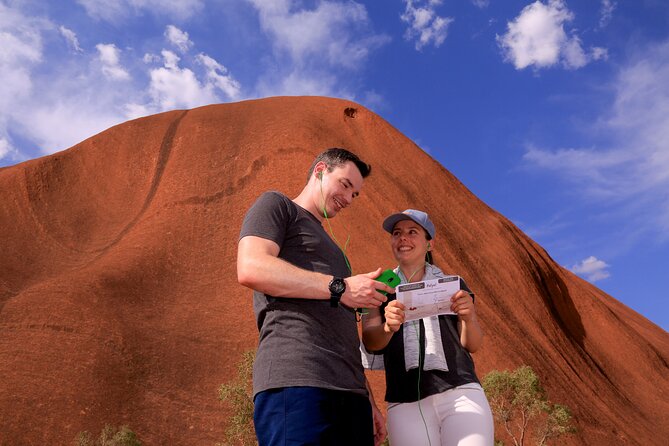
This is the kind of tour that works best when you’re honest about how you like to travel.
Driving mode is handy for getting between key areas without losing your learning thread. If you’re doing a day that includes long stretches of getting from one area to another, the app helps you keep momentum. You’re not stuck waiting until you park your car to start listening again.
Walking mode is where the audio experience turns into something more meaningful. When you’re on foot, you can slow down and let the stories connect to what your eyes are catching—forms in the rock, views across the area, and changes in how the surroundings feel.
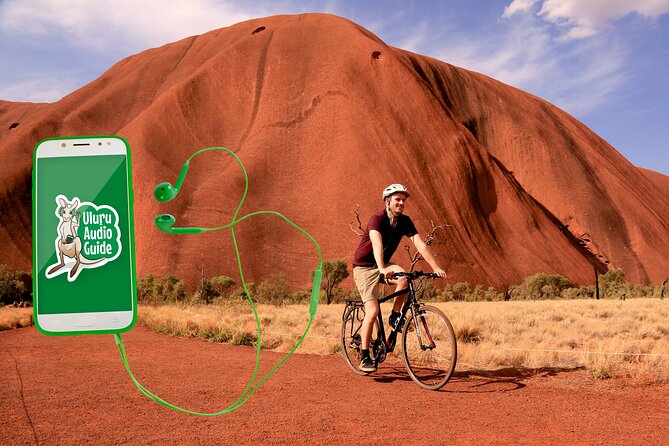
Cycling mode is great if you’re using bike hire as part of your plan. One review highlight called out that cycling or walking with the audio guide is an easy way to take your time with hours of content.
A key tech point: the audio is triggered automatically based on your location. That’s awesome when it works smoothly—like a tour guide quietly taking control. The trade-off is that any GPS system can occasionally lag or misfire. One review noted it worked well most of the time (about 95%). So I’d treat the GPS as a helpful guide, not a guarantee. If a trigger misses, don’t panic—just keep moving and let the next location cue land.
Uluru + Kata Tjuta: What You’ll Learn Along the Routes

The app is described as covering every road and walk at Uluru and Kata Tjuta. That’s important because Uluru-Kata Tjuta isn’t a single “thing.” It’s a whole area where different paths and routes lead you to different perspectives.
So what should you expect from the learning experience?
First, the audio is designed around three kinds of context:
- Cultural importance
- Historical importance
- Geographical importance
That mix is exactly why this sort of app works better than a generic “fun facts” tour. The goal is not just knowing the name of a place, but understanding why it matters—how people connect to it, how the land shaped itself, and how the area reads from different angles.
Second, the stories are meant to be delivered where you are. Since the app uses GPS activated insights, you’re supposed to hear relevant content while you’re physically near what’s being discussed. That turns “reading about a location” into “looking at a location with meaning.”
And third, you get more than one layer. With 100+ facts and stories, you’ll likely find that early narration sets a foundation and later stops build on it. If you’re the kind of person who likes hearing the land explained from multiple angles, you’ll appreciate that there’s enough content to make repeat listening feel worthwhile.




A practical tip for getting the most from GPS storytelling
When you reach a stop, don’t sprint to the next one just because your audio ends. Take a minute. Look around. Let the story finish landing before you move on. You’ll get more value out of the same $14.34 if you actually let the audio guide your attention instead of treating it like background noise.
Language Options: Making the Stories Click
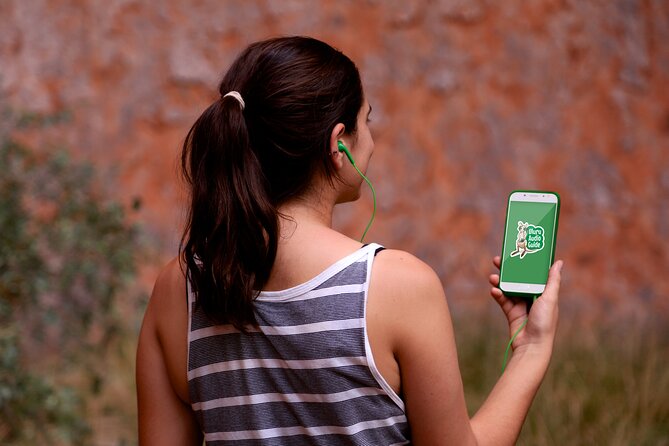
The tour is available in 7 languages. That’s a major advantage in a destination where the most powerful parts of the experience are the stories. Language isn’t a nice-to-have here; it’s how you understand what you’re seeing.
One review specifically praised the convenience for people who don’t practice English well, and another mentioned auto-translated content in another language. That tells me the language support is built for real-world use, not just for marketing.
If you’re traveling with someone who reads comfortably in another language, this app can reduce the usual “one person gets it, the other person watches” problem. It also makes self-guided travel feel fairer and more shared.
Two cautions to keep you prepared:
- If you rely heavily on audio for comprehension, confirm the language you need is available before you buy.
- The experience notes it may not be suitable for travellers with hearing impairments, so plan accordingly if that applies to you.
The Best Fit: Who Should Buy This Audio Guide
I think this app is a strong choice if you want independence without losing context.
You’ll likely love it if you:
- Prefer self-drive freedom to fixed tour schedules
- Want to explore Uluru and Kata Tjuta in your own pacing
- Like walking or cycling days where you can take in long stretches of views
- Want cultural and place-based stories without booking a guided tour
It’s also a good option if you’re trying to avoid crowds. The idea is simple: you can explore when it works for you, not when a bus needs you.
Where it may not suit you:
- If you want very deep, dense explanations at every stop, this may feel like the audio gives you the highlights rather than a whole textbook. One review pointed to wanting more depth.
- If you’re expecting everything to be flawless in GPS-trigger timing every single time, you should have a backup mindset. Occasional trigger issues can happen with location-based apps.
My Booking Checklist Before You Head Out
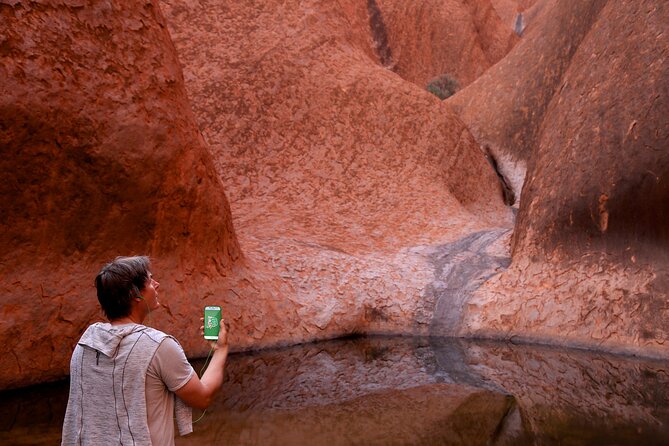
This is a “do a little prep, save a lot of hassle” situation.
Before your park day, make sure you:
- Have a smartphone ready and charged (you’ll be using it throughout your walk/drive/cycle time)
- Keep your download code and instructions accessible
- Confirm you understand that the park admission ticket is separate (the A$38 3-day pass is not included)
- Plan to use the audio during your actual movement, since the content is GPS-activated
If you’re pairing it with a self-drive itinerary, hop-on hop-off style planning, or bike hire, you’re in the right zone. The app is designed to support that kind of flexible day rather than replace it.
Also, the app is valid for the 5:00 AM–8:00 PM window, so your day planning should respect those hours.
Should You Book the Uluru Audio Guide App?
Yes, if your goal is to experience Uluru and Kata Tjuta with context while keeping control of your pace. For $14.34 per person, you’re not buying transportation or a live guide—you’re buying a guided story layer that helps you interpret what you’re seeing.
Book it if:
- You want a no-hassle way to learn without joining a rigid group schedule
- You like the idea of GPS-triggered audio during drives and walks
- You’d benefit from 7-language support
Skip it (or think twice) if:
- You hate relying on phone tech and GPS cues
- You want very deep explanations at every stop rather than a curated set of facts and stories
If you’re the type who likes to stop, look longer, and actually absorb a place, this app is the kind of upgrade that turns a simple visit into a smarter one.
FAQ
What’s included with the Uluru Audio Tour App?
Your purchase includes an app download code and instructions, and the self-guided tour covers every road and walk at Uluru and Kata Tjuta.
Do I need to buy the Uluru-Kata Tjuta National Park ticket separately?
Yes. Admission fees are not included. A 3-day pass is listed as A$38 per person.
How does the audio tour work?
It’s a self-guided, GPS-triggered audio experience. The app activates insights based on your location, and you can use it while driving, walking, or cycling.
What phone types can I use?
The app works on both iPhone and Android devices.
When can I use it?
The activity runs daily from 5:00 AM to 8:00 PM.
Can I cancel and get a full refund?
Yes. Cancellation is free up to 24 hours in advance for a full refund. If you cancel within 24 hours of the start time, the amount paid is not refunded.